MetaMask Wallet Registration
- Download the “MetaMask” app from the App Store or Google Play.
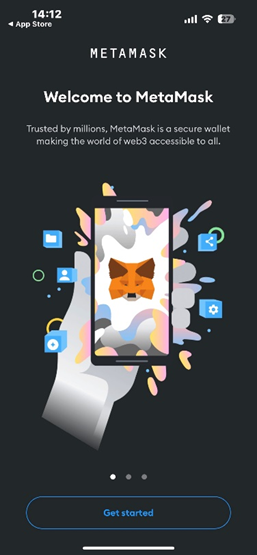
- Click on “Get Started”
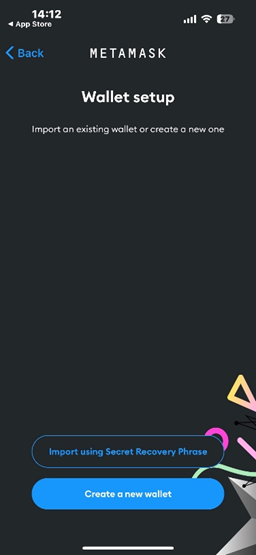
- Click on “Create a new wallet”
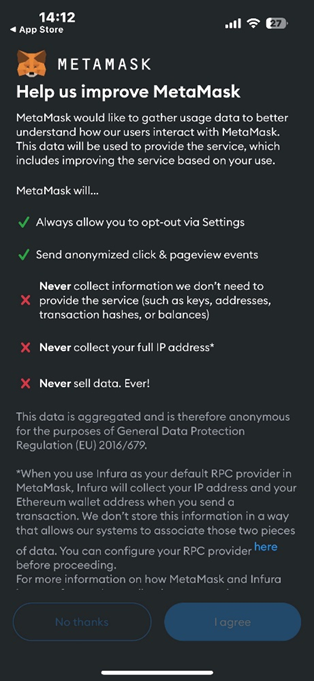
- Click on “I agree” and agree to the Terms and Conditions.
- Create a password for your MetaMask wallet.
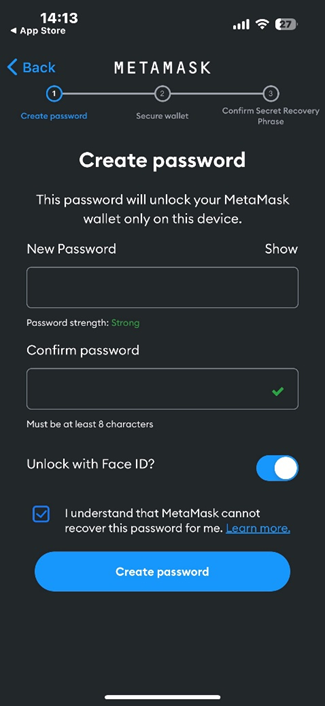
- Click on “Start” to secure your wallet by “Secret Recovery Phrase”.
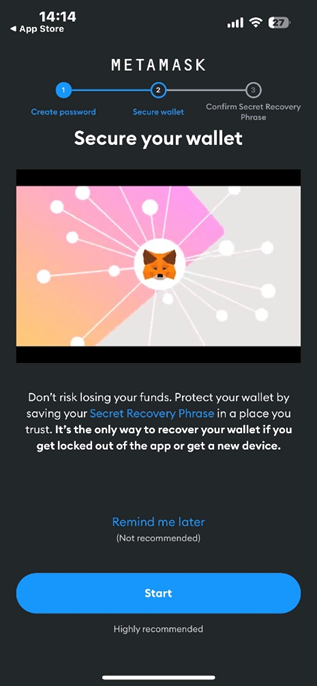
- Click on Start once again.
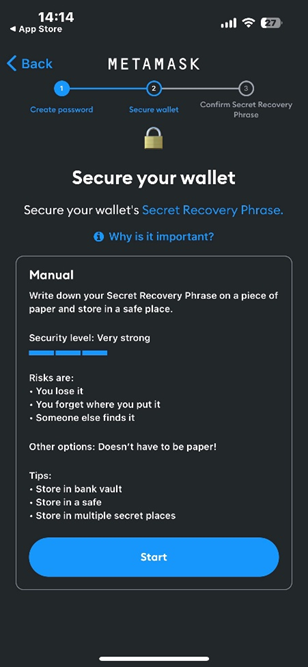
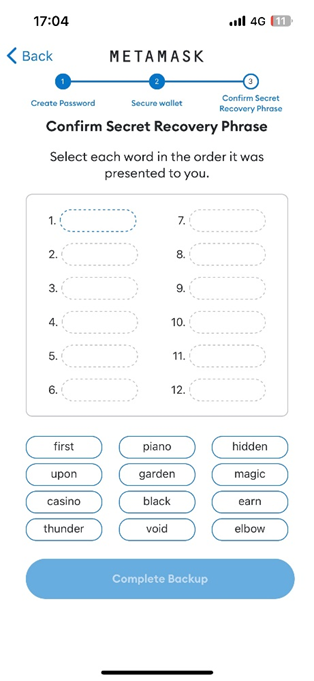
- Write down your “secret phrase” words in order or screenshot them as you will be asked to enter them in order in the next step.
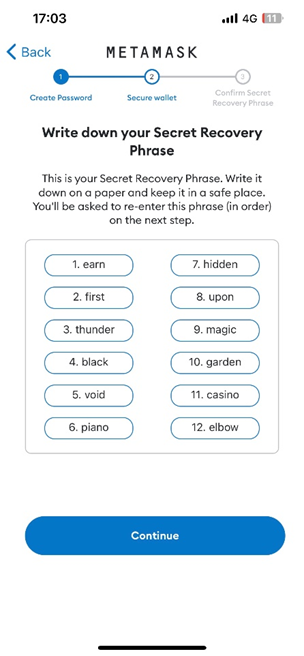
- Fill your secret phrase words in order (1 to 12) and click on “Complete backup”.
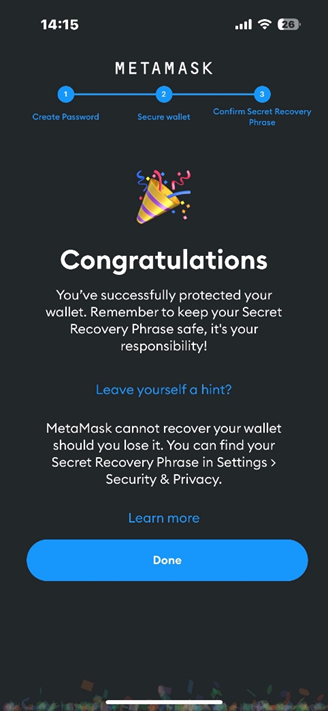
- Click on “Done” and your wallet has been successfully set.
MetaMask Wallet Funding
IMPORTANT:
- Keep in mind that the process for funding your wallet with other cryptocurrencies (different than USDT) is the same.
- You will need to fund your wallet with some ETH (Ethereum) in order to deposit your USDT into M88.com as all crypto transactions have gas fees that are paid in Ethereum.
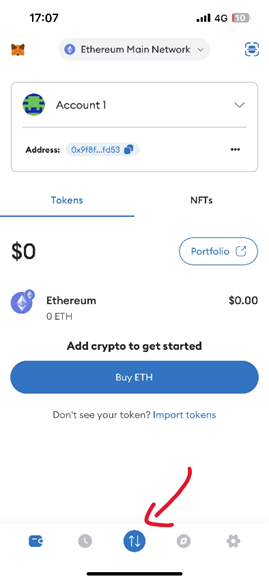
- Click on the little arrow icon.
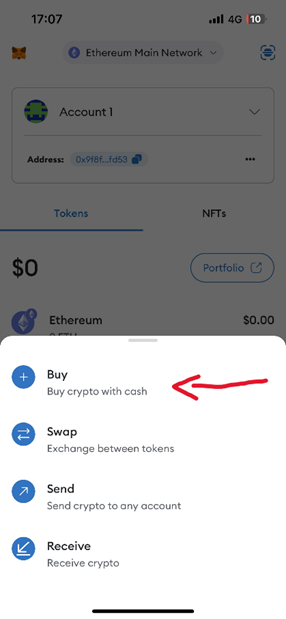
- Select the "Buy" option.
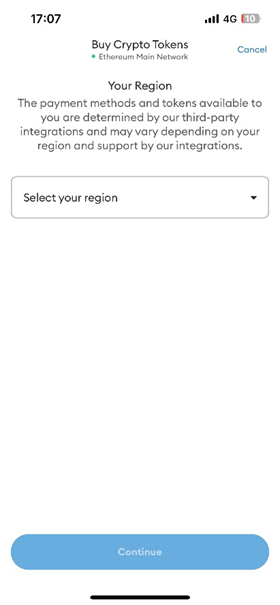
- Select your country and click on "Continue".
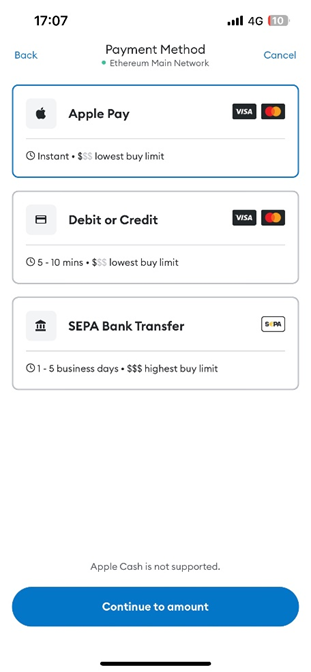
- Select your desired payment method.
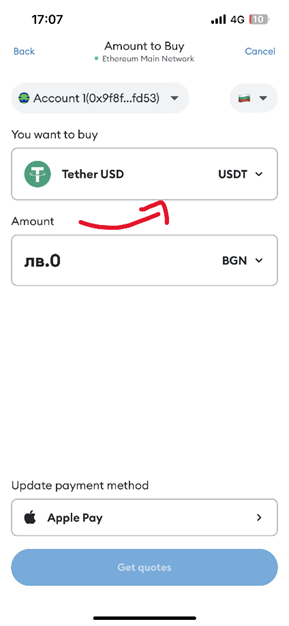
- Select the USDT currency in the "You want to buy" field and the amount and click on "Get Quotes".
- Select a provider and click on "Continue".
*The providers will vary depending on the currency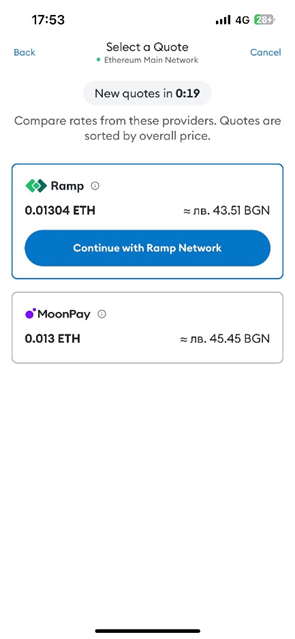
- Enter your e-mail address.
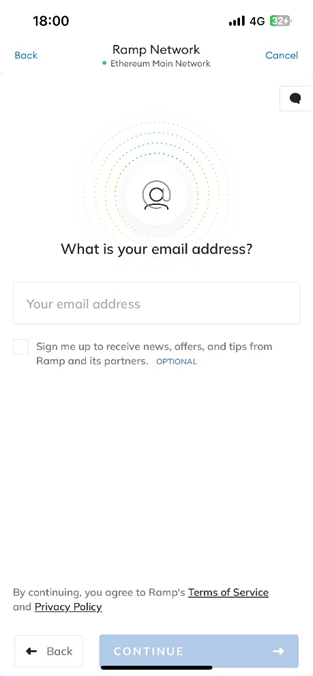
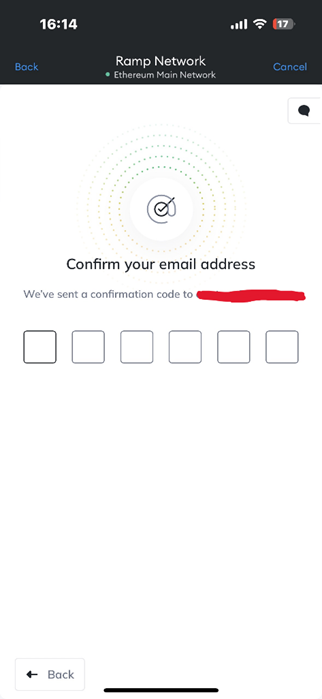
- Enter the confirmation code you have received via e-mail
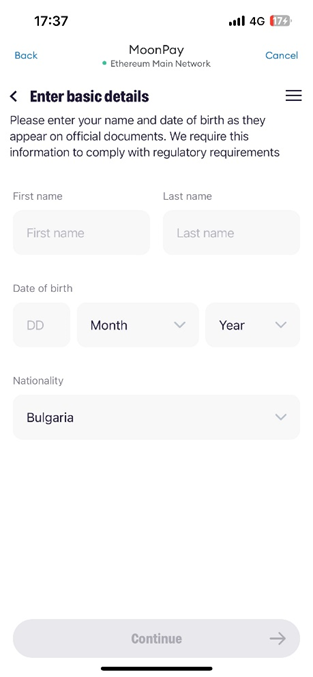
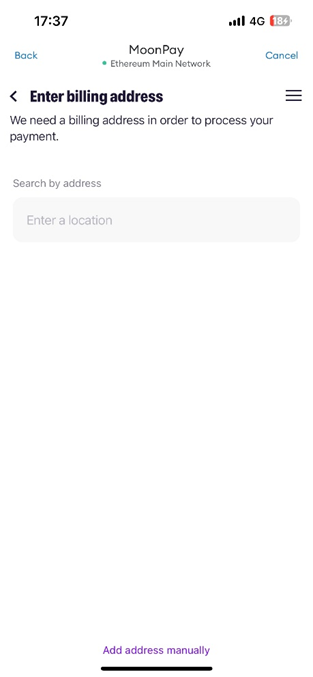
- Enter basic information – names, date of birth, nationality, and billing address.
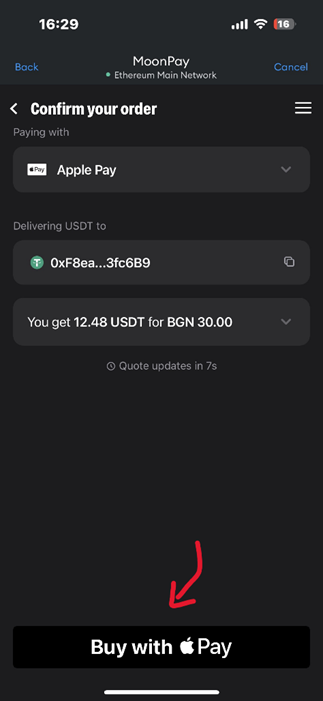
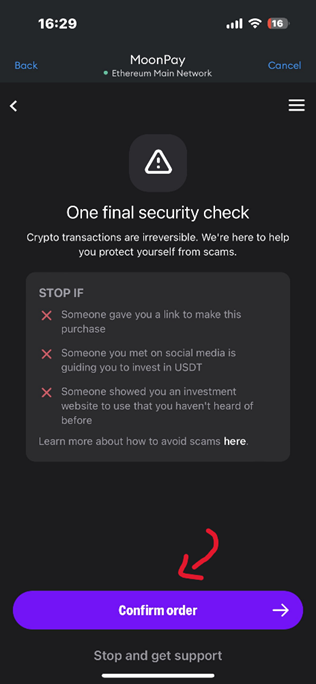
- Confirm your order.
MetaMask Wallet Funding
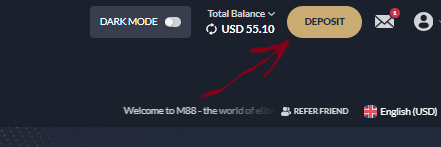
- Navigate to M88.com and click on "Deposit".
- Select "Tether" (which is basically USDT)
- Select the amount ( FIAT amount – EUR,USD,CAD which will be shown in USDT down below) and click on "Submit".
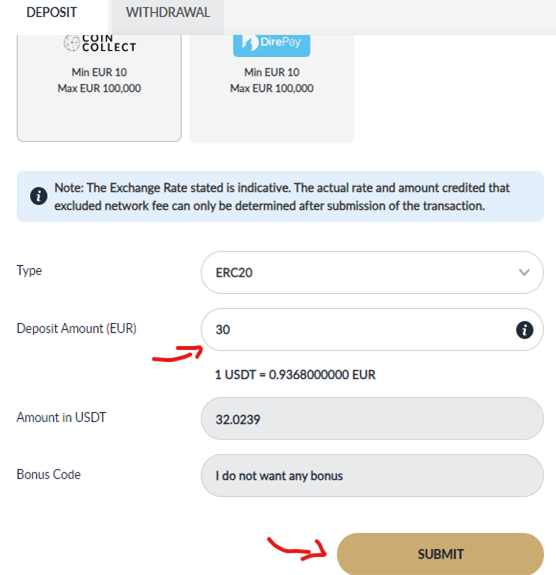
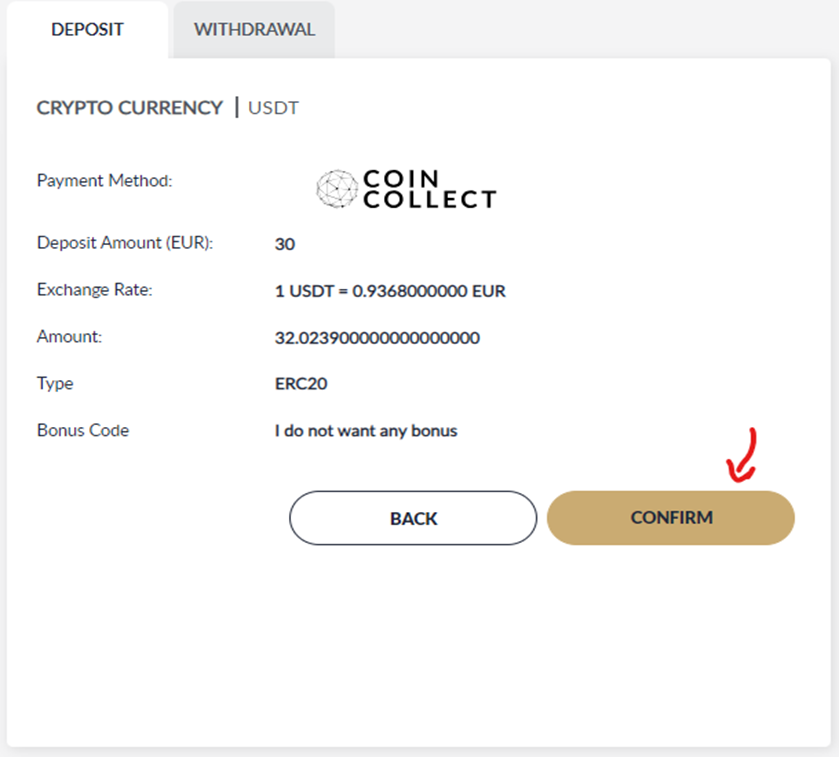
- Review the details and click on "Confirm".
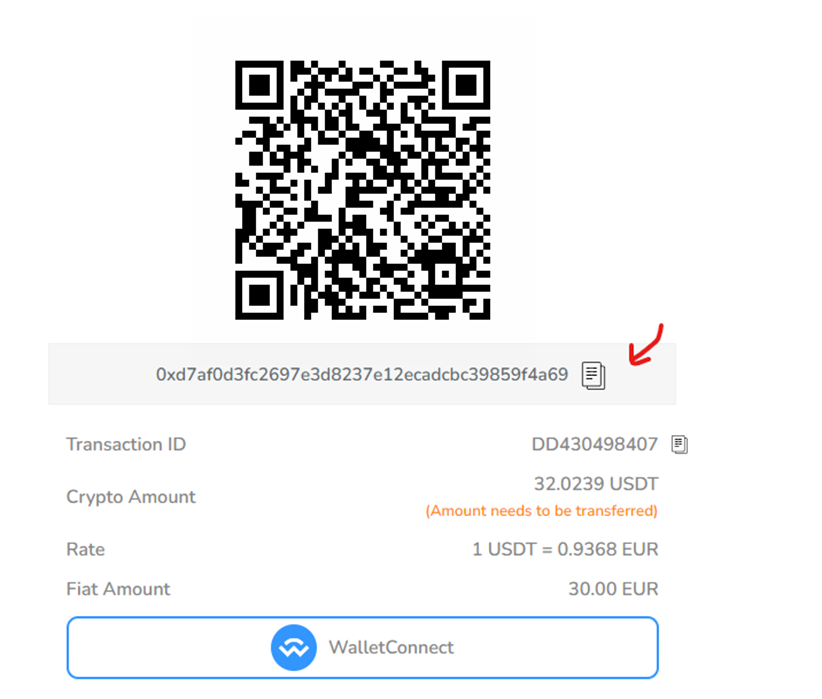
- Copy the wallet address you are given.
- Open your MetaMask wallet and click on the little arrows icon
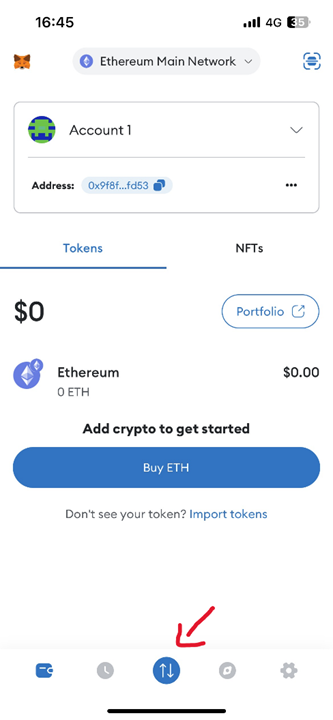
- Click on "Send"
*note that you must transfer the exact amount you have previously selected to avoid any delays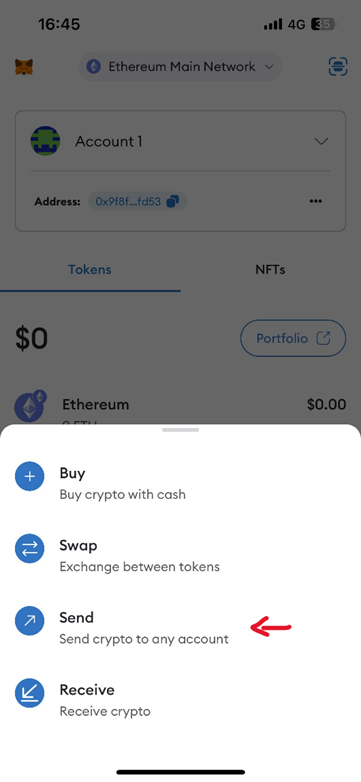
- In the "To" field input the already copied wallet address and click on "Next"
*as an alternative you can click on the little camera icon and scan the QR code that will be visible on step 5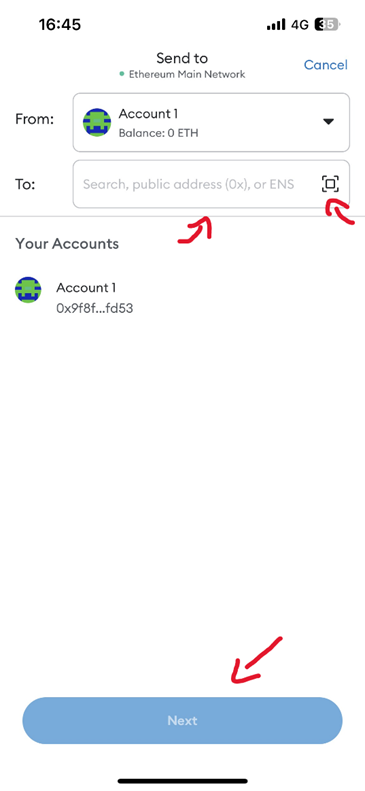
- Authenticate and confirm the deposit
- Your Transaction is being processed
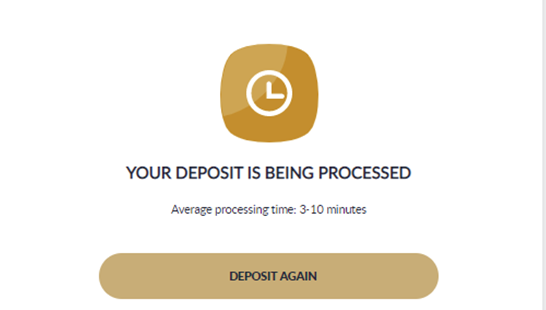
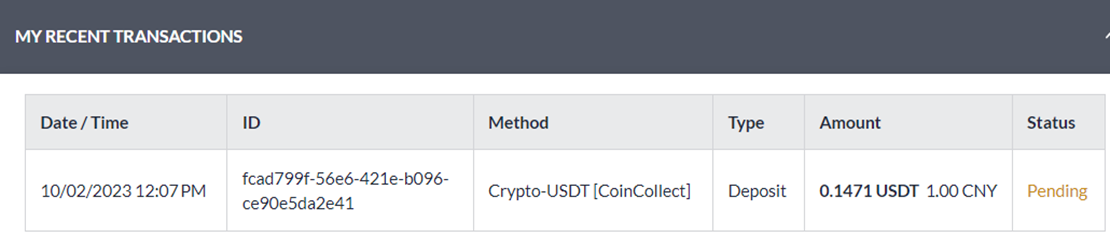
- Amount will be credited and shows on My Recent Transactions